%20copy.png)
Your bank sponsor has invited you to create your account via your company email. You'll find an invite email from them in your inbox.
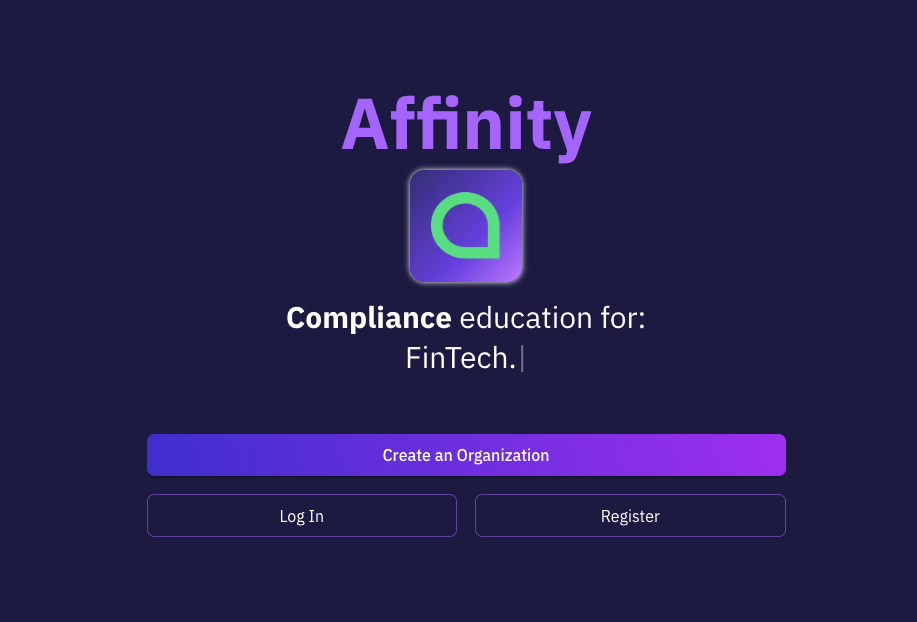
Click on "Get Started" in this email to create your account on https://app.itsaffinity.com.
You can either use an email/password combo or Google Single-Sign-On. Be sure the email address is the same one that received the invite in your inbox.
Once you create your account, next verify your email address and then you are good to go!
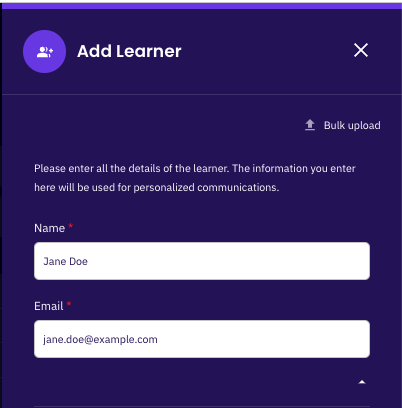
Once logged in, you can begin adding learners to your account. Learners, for compliance trainings, are often any full-time employee at your organization.
You can add learners by clicking on the "Learners" panel, followed by the "Add New Learner(s)" button. Here you'll be able to add learners one by one, or in bulk.
To add in bulk, upload a CSV (see formatting instructions) that includes all relevant information. You can easily export this type of CSV from your HR system or generate it yourself.
Once you add or upload learners, each learner will receive their own welcome email with instructions on how to finalize their Affinity learner account.
Your banking sponsor or BaaS provider has already enrolled your organization in a set of trainings required for your compliance program. You just need to add your learners.
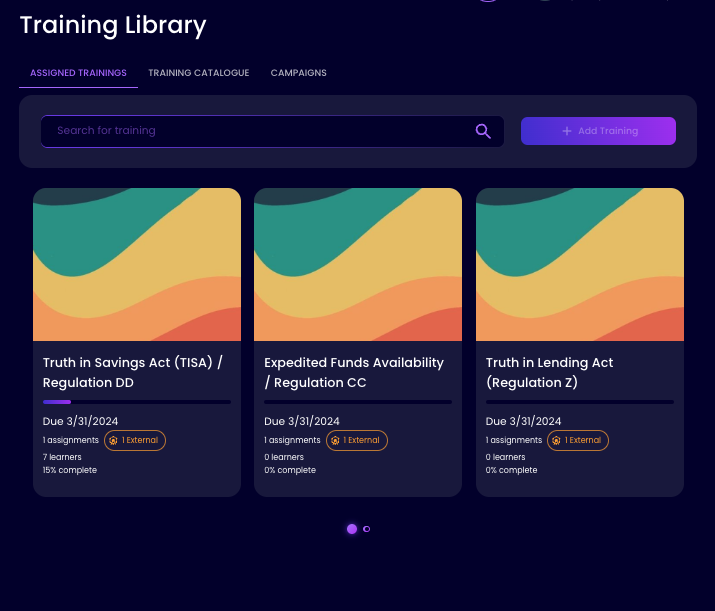
Go to the "Training Library" page to see the list of trainings that are currently assigned to your organization. (Note: you will have received an automated email with this information as well.)
Click on a training and then enroll the appropriate learners from your company. Depending on the compliance requirements, some trainings might require all learners from your company, or just a subset. So be sure to check the notes from the sponsor, as well as any required roles or join dates.
After you enroll these learners, they'll receive emails and can start taking the trainings. You're all set!
That was easy as 1, 2, & 3! As your learners progress through trainings, you'll see live updates in your dashboard. You can send reminders to your learners, export reports, and so much more!
Your banking sponsor or BaaS provider is synced with your data as well, so don't worry about generating reports for them. It just works.
Welcome to Affinity, compliance training made easy as 1, 2, 3!